Best Golf Simulators: From Under $1000 to Elite Level (2026)

Disclosure: Affiliate links ahead. We may earn a commission at no extra cost to you. We only flag gear we would actually put in a garage or take to the range.
It’s 5:30 on a Tuesday in January. The course is closed. The range is a sheet of ice. You’ve got twenty minutes, a garage that’s still holding Christmas bins, and a swing that hasn’t seen a fairway since Thanksgiving.
July is the other half of this. It’s 102 at 2 p.m., the range is a fry pan, and nobody with a brain is standing in that heat. The people who keep their game are in the garage with the door cracked, hitting balls into a net.
Some of you are here to get better. Not “hit a bucket and hope.” Twenty minutes of real practice: the same 80-yard shot until the number stops lying, a wedge that finally has a distance, a driver you can trust on Sunday because you saw the path on Wednesday. A sim is the only place most of us can do that without a tee sheet or a range light that cuts off at 8.
And some of you are here for Saturday. Four of you in the garage, skins on Pebble, someone talking too much over a 4-footer, a group chat that now has a commissioner. Guy or gal, doesn’t matter. Tourney night is why a lot of these rooms get built. The practice is why they stay used in February.
That’s the whole point. Not a man-cave brochure. A place you can actually hit balls when it’s dark at five, when it’s raining, when the afternoon is over 100, when you want to take a number off your handicap, when you want your friends in the garage instead of another cancelled tee time. Here are the best golf simulators to buy in 2026.
Best overall
If you want one good setup you’ll still be using in March, start here.
SkyTrak ST MAX
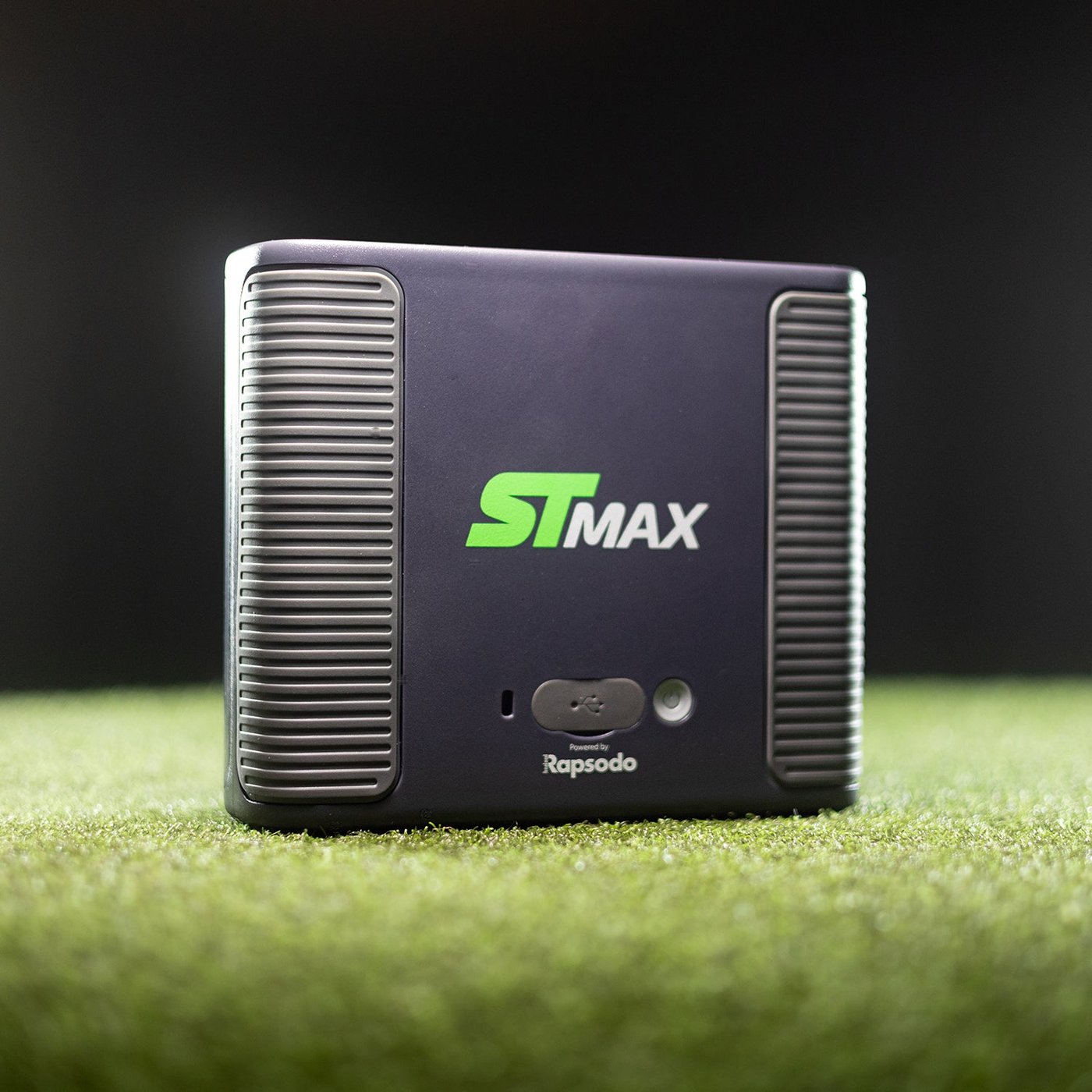
The honest default garage bay: cameras plus radar, beside the ball, no stickers.
SkyTrak ST MAX. List $2,995; SkyTrak has been selling it at $1,995.
This setup is perfect for:
- A first garage you can actually play courses in when you can’t get on the course
- Indoor practice without hanging anything from the ceiling
- The occasional outdoor session on a mat when the weather’s nice
You use a normal golf ball. No face stickers, no special marked sleeve. Range practice is included. Named courses sit on a yearly SkyTrak membership (Essential about $100–$130, Core $300–$350, Elite $600). New units include a 14-day trial. Warranty on a new unit is 6 months or 25,000 shots, whichever comes first.
What you’ll need for this setup:
- A golf hitting net, or a golf simulator enclosure with an impact screen if you want to watch the ball on a “course”
- A golf hitting mat you can take a full swing on (not a thin stall mat)
- An iPad or a Windows computer
- A SkyTrak membership if you want more than range practice
- Room: the unit sits beside the ball. Plan for a full driver swing and a few feet to the net (about 10×10 feet for the sensor, more with an enclosure)
If you specifically want GSPro, the realistic third-party course software, look at the EYE MINI next. SkyTrak is not on GSPro’s official list.
Uneekor EYE MINI
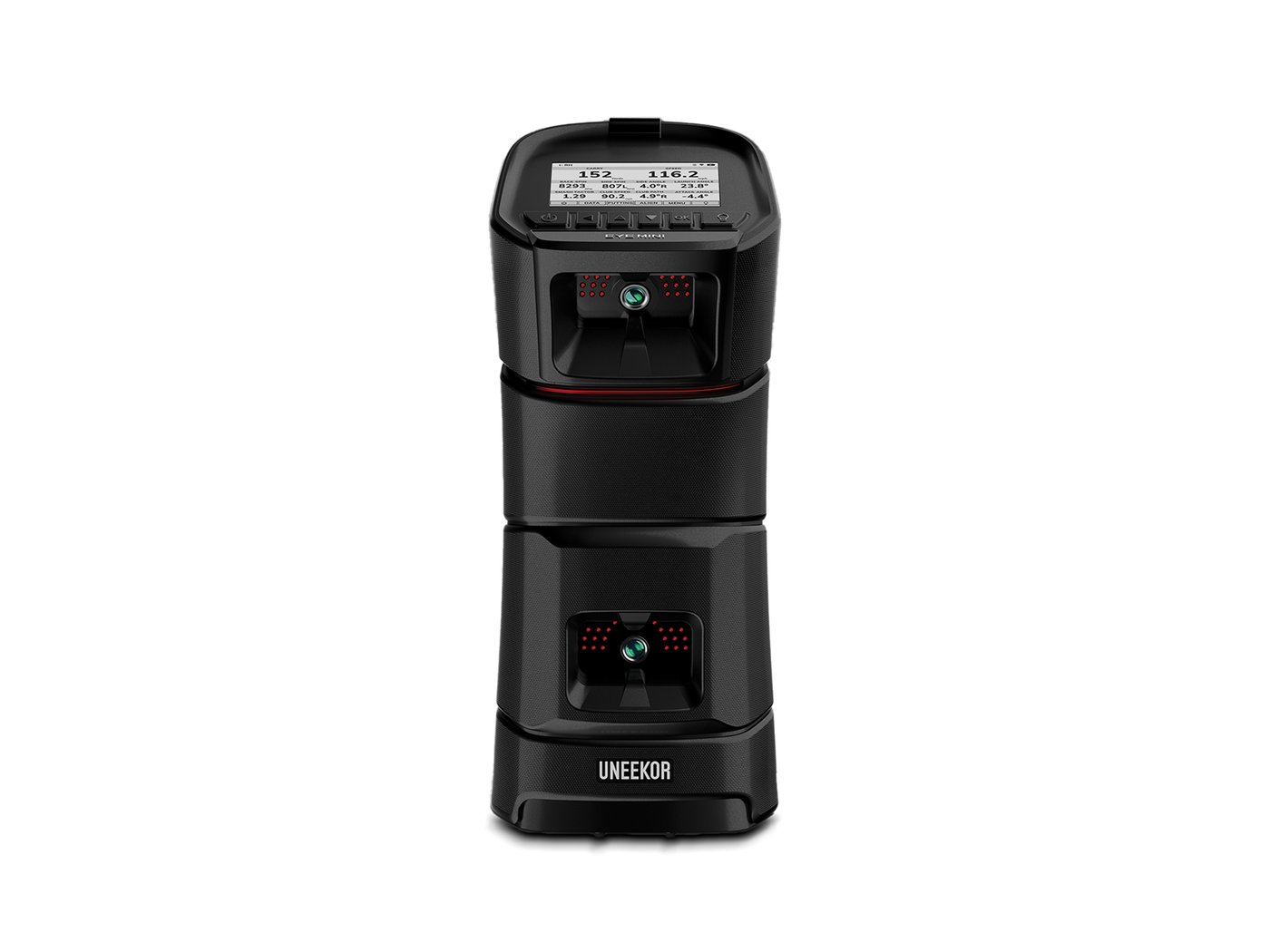
The mid-bay camera people buy when they want to play real-looking courses at home.
Uneekor EYE MINI. $2,999.
This setup is perfect for:
- Playing GSPro (the photorealistic course software) in a garage
- Using the same box at home and at the range
- A household that already likes Uneekor and wants a path into more course libraries later
Two cameras read a normal golf ball. Club data uses the stickers in the box. Walk the unit to the other side of the mat for a lefty. Range and club numbers are included. Connecting to GSPro and similar software is $199/year (Uneekor Pro). New units include a 3-month trial of the top plan. The indoor-only EYE MINI LITE is $1,999 if the unit will never leave the bay.
What you’ll need for this setup:
- A golf hitting net or a golf simulator enclosure with an impact screen
- A golf hitting mat
- Club stickers (included)
- A Windows gaming PC and GSPro ($250/year) if that’s the software you want
- Room: swing clearance and a mat; the camera does not need eight feet behind you
Garmin Approach R50
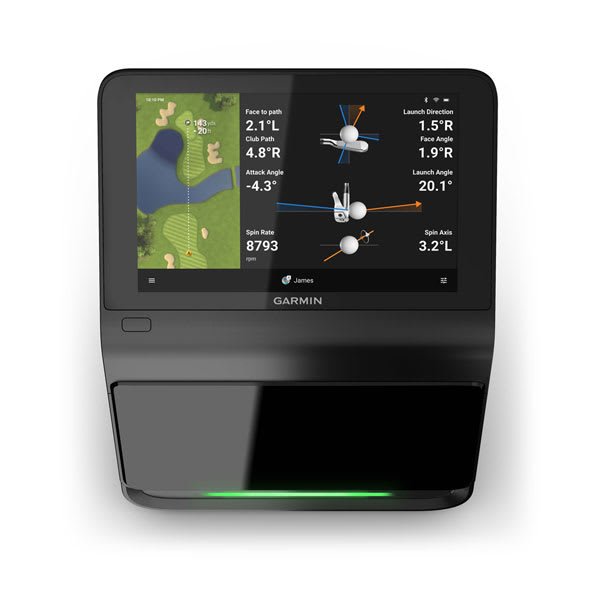
The all-in-one: three cameras, a 10-inch screen, HDMI out. No gaming PC required.
Garmin Approach R50. $4,999.99.
This setup is perfect for:
- Playing courses on a TV when it’s too cold or too hot to be outside, without buying a gaming PC
- Seeing real spin numbers without a ceiling camera
- A household already on Garmin watches and the Garmin Golf app
Range and training work without a membership. The 43,000-course Home Tee Hero library is Garmin Golf: $10/month or $100/year. Club stickers are in the box. You can add GSPro later if you get a PC. Putting is part of the built-in sim.
What you’ll need for this setup:
- A golf hitting net or a golf simulator enclosure with an impact screen
- A golf hitting mat
- Club stickers (included)
- An HDMI cable and a TV or short-throw projector if you want a big picture
- A Garmin Golf membership if you want courses
- Room: beside the ball; size it for the swing and the net
Best on price
The first sim is allowed to be a tripod and a phone. These three still feel like a sim after the unboxing video ends.
Rapsodo MLM2PRO
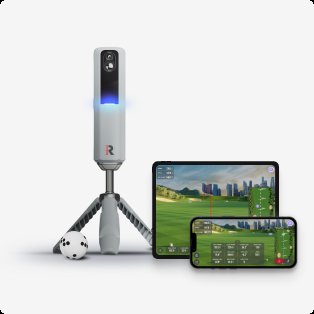
The data-dense portable under $700 — measured spin, video, and a real course library.
Rapsodo MLM2PRO. List $699.99; Rapsodo’s live price is $599.99.
This setup is perfect for:
- A first sim you will also throw in the trunk for the range
- Wanting real spin numbers without spending two thousand on a floor unit
- Adding GSPro later without buying new hardware
A sleeve of RPT-marked Titleist Pro V1 or Callaway Chrome Tour is in the box. Those markings are how spin is read. A 45-day Premium trial is included; after that US Premium is $200/year (or $600 lifetime). The trial starts when you enter a card. If the unit has to live in a travel cover more than a bay, see our portable launch monitors post.
What you’ll need for this setup:
- A golf hitting net
- A golf hitting mat
- RPT golf balls for spin (a sleeve is in the box)
- A smartphone or tablet, and the tripod (included)
- Rapsodo Premium if you want courses or GSPro
- Room: about 8 feet to the net plus 6.5–8.5 feet behind the ball
Garmin Approach R10
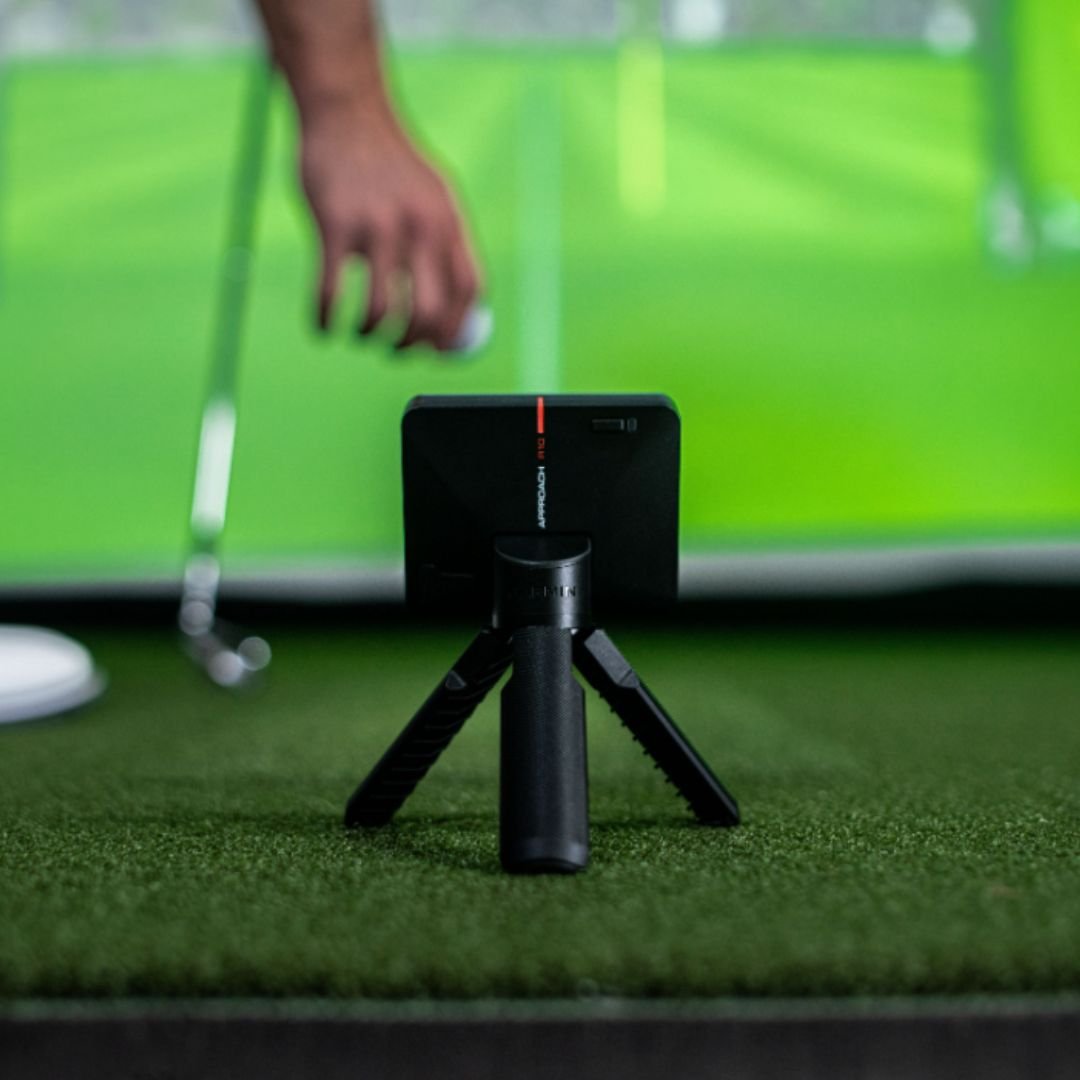
The cheapest way onto Garmin’s course library, and the radar that still makes sense years after launch.
Garmin Approach R10. MRP $599.99; authorized retailers have been at $499.99.
This setup is perfect for:
- Carry numbers at the range and a net in the garage, on one device
- Already wearing a Garmin and not wanting another app
- Starting cheaper and upgrading the camera later
It sits behind you. Spin is calculated, not photographed. Home Tee Hero is the same $100/year membership as the R50. Battery is the long one in this group (about 10 hours). The Voice Caddie SC4 PRO ($600, often closer to $500) is the fork if you want a screen on the unit and a few E6 courses in the box.
What you’ll need for this setup:
- A golf hitting net
- A golf hitting mat
- A smartphone or tablet
- A Garmin Golf membership if you want courses
- Room: several feet behind you for the radar, plus room for the ball to reach the net
Square Golf Home
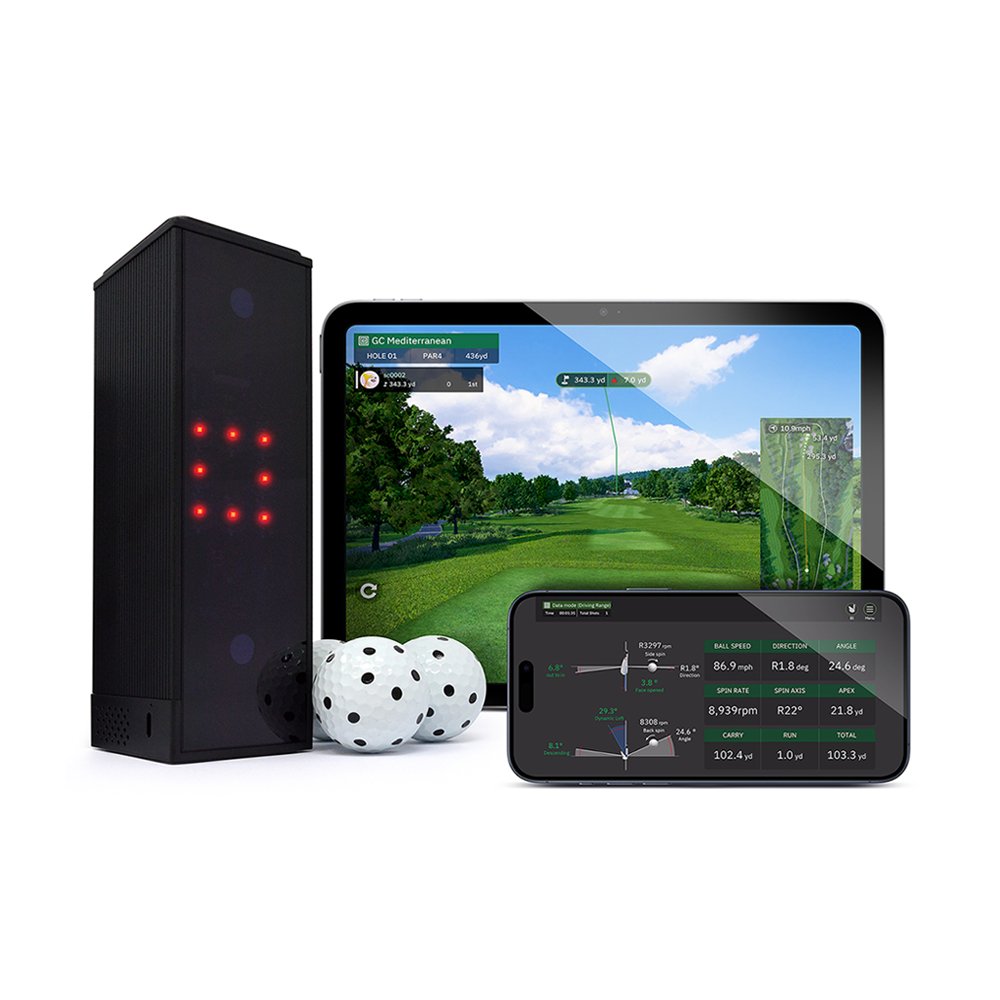
A $699 camera that sits beside the ball and does not collect a yearly Square fee.
Square Golf Home. $699.
This setup is perfect for:
- A shorter garage where the unit has to sit beside the ball, not behind you
- Real spin numbers on a budget
- Playing GSPro without paying Square another annual bill
Indoor camera. Native courses run on tokens (1,000 in the box, one per hole — months of casual rounds). Range practice does not burn them. The Omni at $1,599 is the indoor/outdoor four-camera sibling if you also want the range.
What you’ll need for this setup:
- A golf hitting net or a golf simulator enclosure with an impact screen
- A golf hitting mat
- Indoor lighting that does not wash out the camera
- Club stickers for club-path numbers (Square ships these)
- Extra course tokens later, or GSPro if you want that library
- Room: swing clearance; the box lives beside the ball
Best performance (money no object)
Ceiling units and tour cameras. The sensor is still only part of the room.
Foresight Falcon
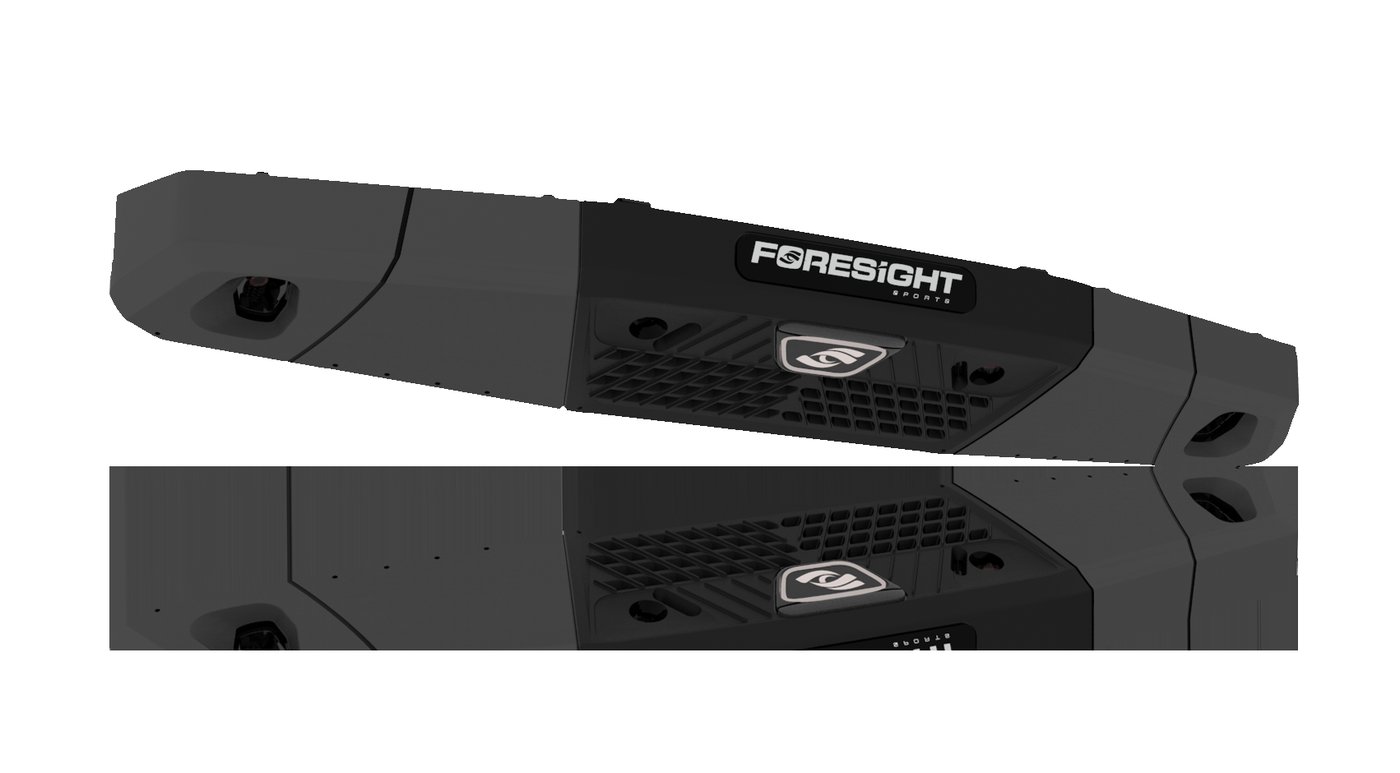
The home overhead we would actually hang: a wide hitting area, club data included, no yearly Foresight bill.
Foresight Falcon. List $16,999; Foresight’s live price is $14,999.
This setup is perfect for:
- A mixed lefty/righty household that does not want a box on the floor
- Playing courses at home without another yearly software login to manage
- A hitting area wide enough that nobody is aiming at a tiny window
Four cameras, same family as the commercial GCHawk. Hitting zone is 59×28 inches. Course software and 25 courses ship with it. Extra famous-course packs cost extra. GSPro is another $250/year if you want that library. The ceiling has to be built for a 75-pound mount.
What you’ll need for this setup:
- A golf simulator enclosure with an impact screen
- A golf hitting mat with a center hitting strip (lefty and righty)
- A short-throw projector
- A Windows gaming PC
- A pro to hang the unit
- Room: Foresight likes a 9.5–10.5 ft ceiling, mat about 10–12 feet from the screen
Trackman iO
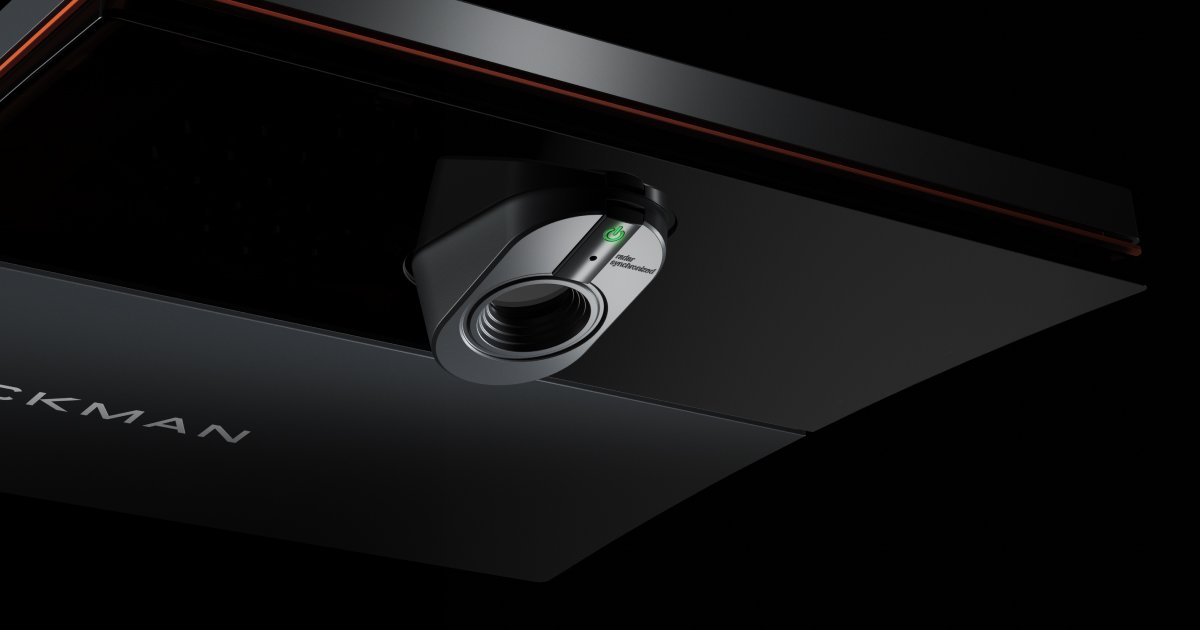
Trackman’s indoor ceiling unit. The name on the room, mixed-handed play, nothing on the floor.
Trackman iO. Home solutions from $13,995.
This setup is perfect for:
- A dedicated sim room where “it’s a Trackman” is part of the point
- Lefties and righties sharing the same bay
- Never kicking a floor unit or walking a camera around the mat
Year one of Home software is in that number. After that, Home is $700/year; Home Complete (full course library and full club numbers) is $1,100/year. Enclosure, PC, and projector are separate.
What you’ll need for this setup:
- A golf simulator enclosure with an impact screen
- A golf hitting mat
- A short-throw projector
- A Windows gaming PC
- A Trackman quote in writing for software, install, and which ceiling unit matches the room
- Room: enough to swing. Confirm ceiling height with the rep (about 8’9″ to 10’6″ depending on version)
Uneekor EYE XO2
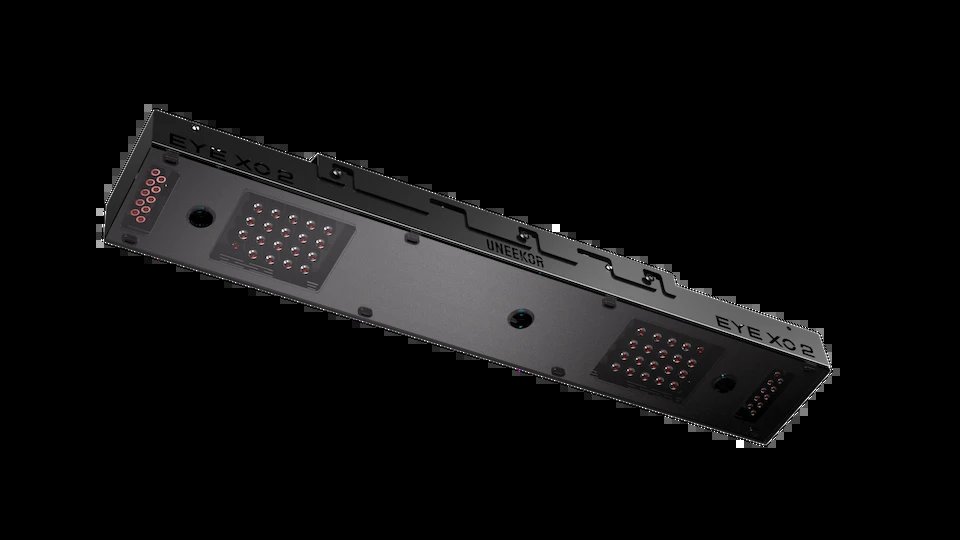
Uneekor’s flagship overhead: a bigger hitting area than the floor unit, and GSPro without a fight.
Uneekor EYE XO2. AI Studio $10,999.
This setup is perfect for:
- A household that already likes Uneekor and is ready to go overhead
- A wider hitting area so mixed-handed play is easy
- Playing GSPro on a serious garage PC
Club stickers are required. Connecting to GSPro is $199/year. The EYE XR AI Studio at $5,999 is the sticker-free overhead with a smaller zone.
What you’ll need for this setup:
- A golf simulator enclosure with an impact screen
- A golf hitting mat
- A short-throw projector
- A Windows gaming PC that can actually run the recommended spec
- Club stickers (required)
- Room: Uneekor’s rec is about 13×16 feet with a 10-foot ceiling
Foresight GC3
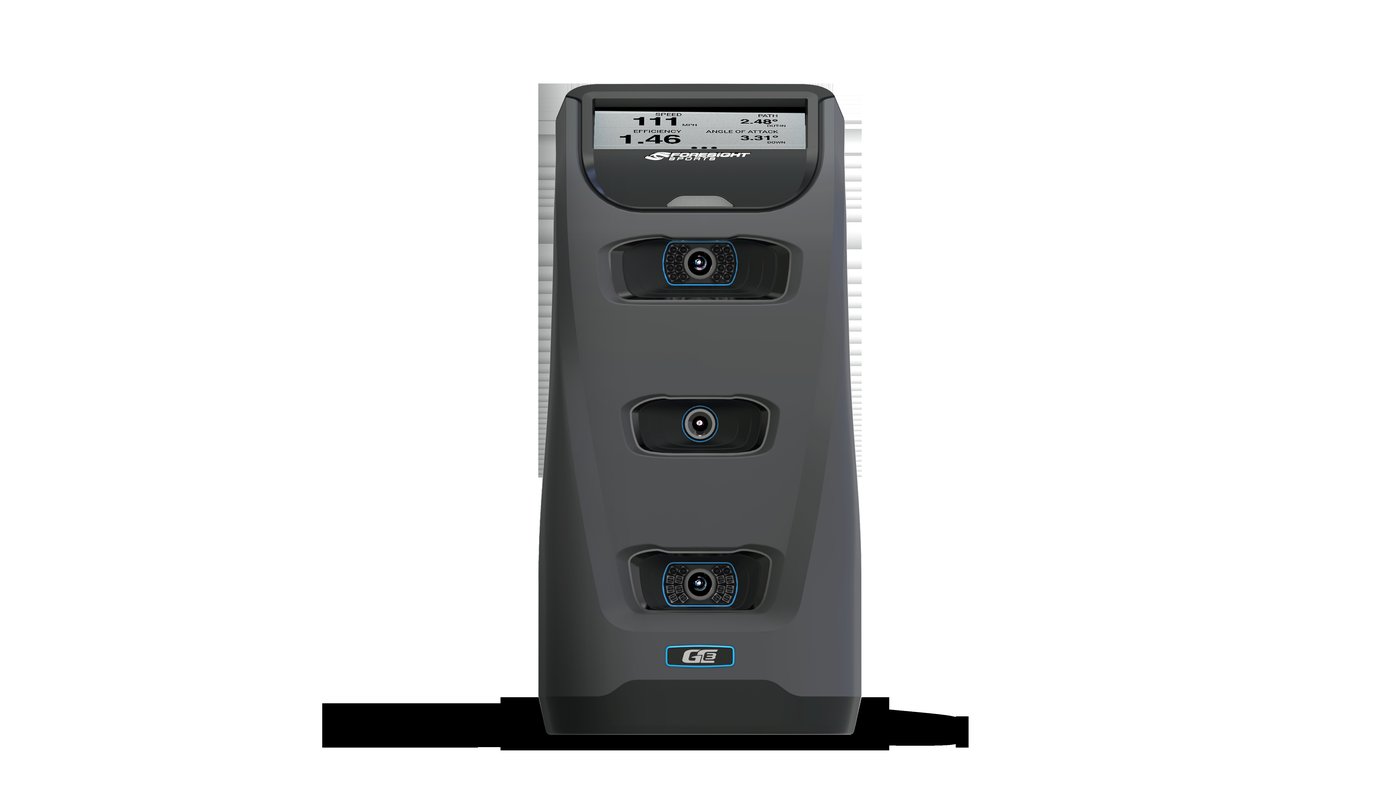
Tour-style cameras you can carry to the range. Same idea as Bushnell Launch Pro, without a yearly unlock.
Foresight GC3. List $6,999; Foresight’s summer promo has been $5,999.
This setup is perfect for:
- Tour-style numbers at home and at the range, from one box
- Not wanting a yearly Foresight subscription
- A camera you can pack, not a ceiling project
Ball and club data, course software, 25 courses, and a Bushnell rangefinder are in the bundle. The Bushnell Launch Pro is the other door into the same cameras ($2,500–$3,000), then $200–$500/year if you want club data and courses.
What you’ll need for this setup:
- A golf hitting net, or a golf simulator enclosure with an impact screen for a big picture
- A golf hitting mat
- Club markers (included)
- A Windows computer if you want courses on a projector or TV
- A short-throw projector if you’re building a full bay
- Room: beside the ball; size it for the swing and a small hitting window
How we’d spend it
More than one right answer. Pick the job.
- First sim, and it has to travel: Rapsodo MLM2PRO if you will buy the marked balls and Premium. Garmin Approach R10 if you already live in Garmin. Square Golf Home if the room is short and the unit has to sit beside the ball.
- One good home bay: SkyTrak ST MAX at $1,995. Uneekor EYE MINI if GSPro is the point. Garmin Approach R50 if you would rather not spec a PC.
- The room is permanent and the budget is not the constraint: Foresight Falcon for mixed handedness and no Foresight subscription. Trackman iO if the name on the room is Trackman. Uneekor EYE XO2 if you already like Uneekor. Foresight GC3 if you still want to take the cameras to the range.
FlightScope’s current portable is the Mevo Gen2 ($1,299). Full Swing’s KIT is still a real $4,999 radar-with-a-screen; at that money look at the R50 first.
Buy the sensor that matches how you actually practice. Then spend on the golf hitting mat and the golf hitting net like they matter, because they do.